
WTTIN: Designing and deploying a mobile app for a non-profit
Role
Lead UX Designer
Timeline
September 2025 - April 2026
Team
1 Product Manager 1 Engineering Manager 1 Product Designer 8 Developers
Tools/Skills
Figma, User Research, Prototyping
Problem
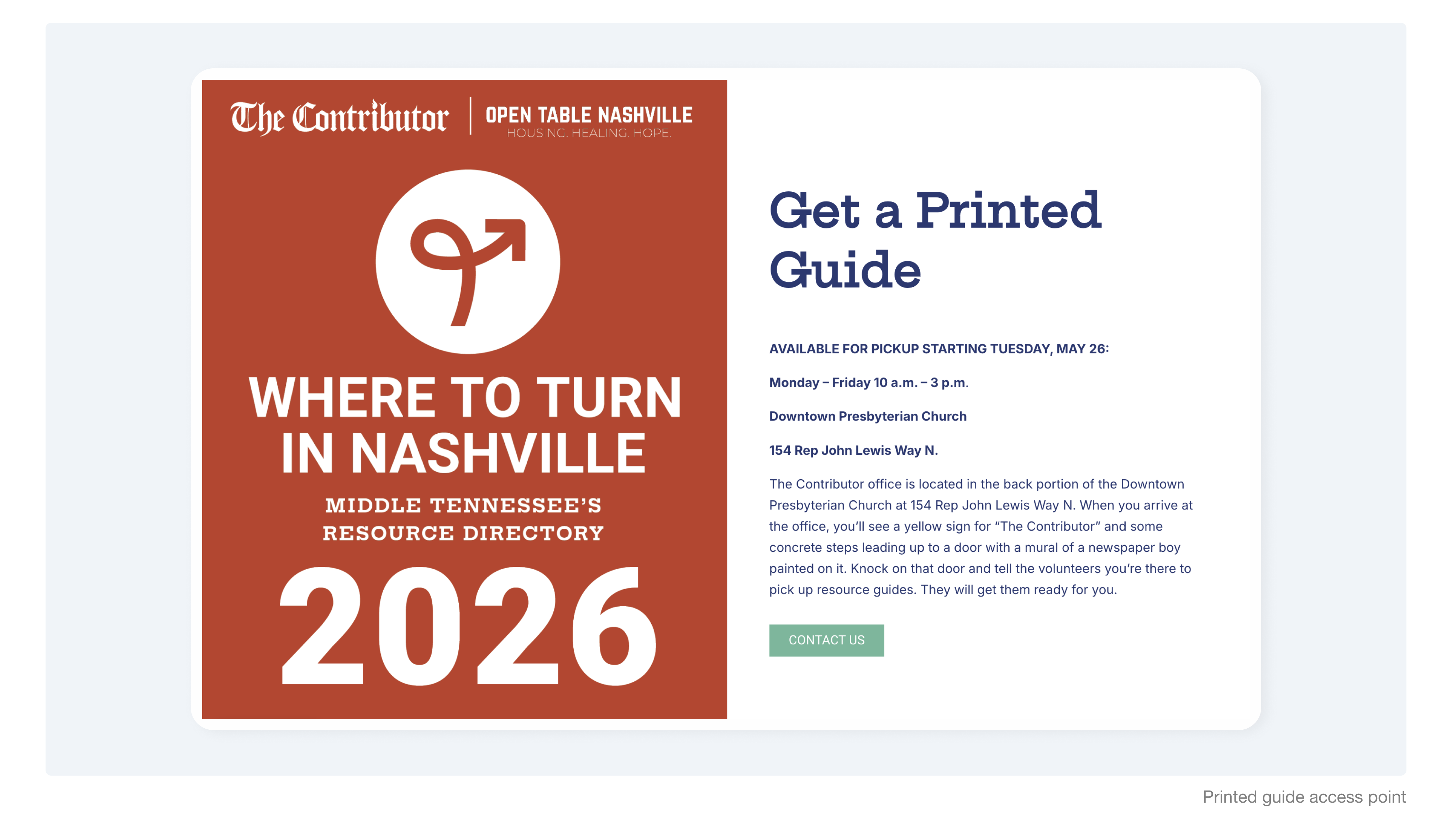
Printed guides are inaccessible.
While Where to Turn in Nashville reached 100,000+ people through print booklets and a desktop portal, users needed a fast way to find local aid instantly.
Goal
How might we turn a massive resource database into a fast, mobile lifeline for emergency aid?
Research
Speaking to Real Users: First, I analyzed existing gaps to map out the necessary features for the mobile solution.
I conducted discovery interviews with 4 vendors from The Contributor, who are part of the high-need population and represent WTTIN's primary user base.
Need for mapping
“There's no clear way to see what resources are near me.”
Need for live status
“I don't know which places are open or closed.”
Need for easier search
“The search bar on the website doesn't work sometimes.”
Stakeholder Discovery: Interviewed three primary stakeholders to establish the precise categorization and flow for the 2025 handbook.
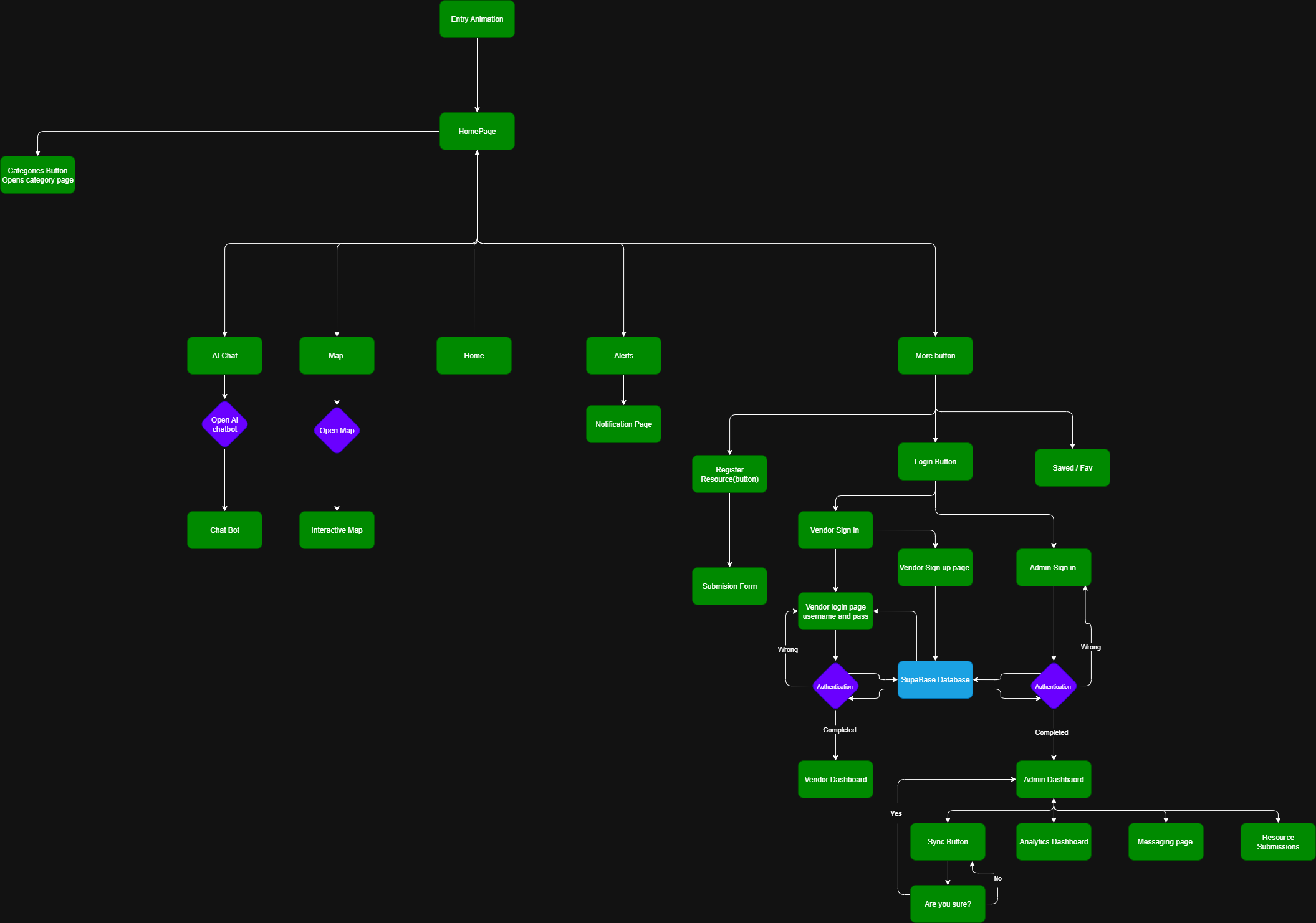
This allowed me to build a rigorous, logic-driven User Flow Chart to ensure that multi-tier navigation pathways systematically resolve into clear, actionable physical help locations.
Design
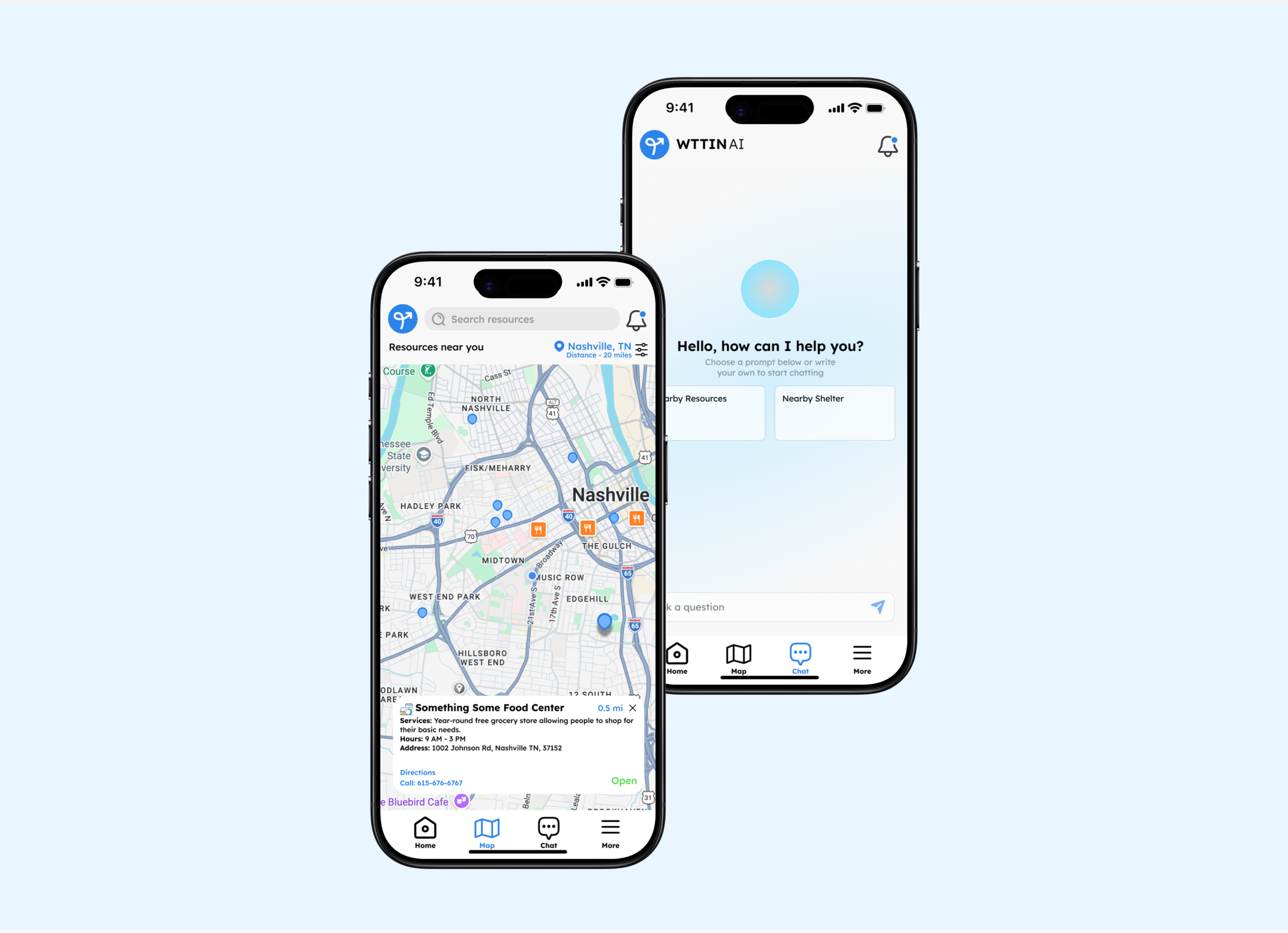
Easy Access - Search by Map
"There's no clear way to see what resources are near me." — WTTIN User
Designed around the Google Maps API to deliver a live map, helping users quickly locate community resources near them.
Simple Interactions that accelerate discovery and minimize friction.
The app was released as an internal beta with the WTTIN team.
Challenges
Understanding Our Users: Offline Devices
Usability testing exposed a critical blind spot: much of our target audience lacks reliable internet access.
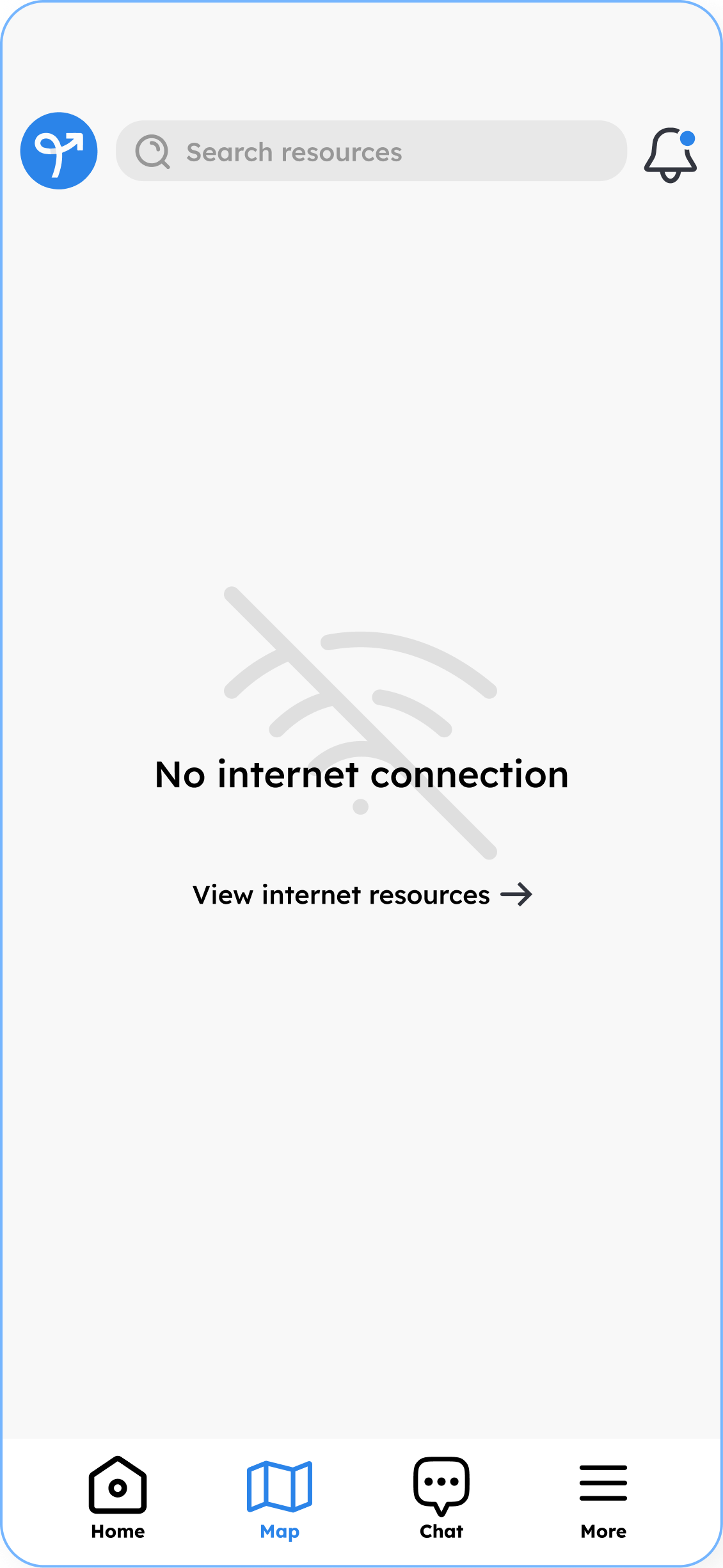
I introduced an Offline Mode that preserves critical directory info while clearly flagging internet-dependent features.
Takeaways

User Research
Discovery interviews and usability testing highlighted key details and assumptions I had been making about my users.
Collaboration
Collaborating closely with product and engineering leads taught me to design within real constraints early, avoiding late redesigns and keeping our team aligned.
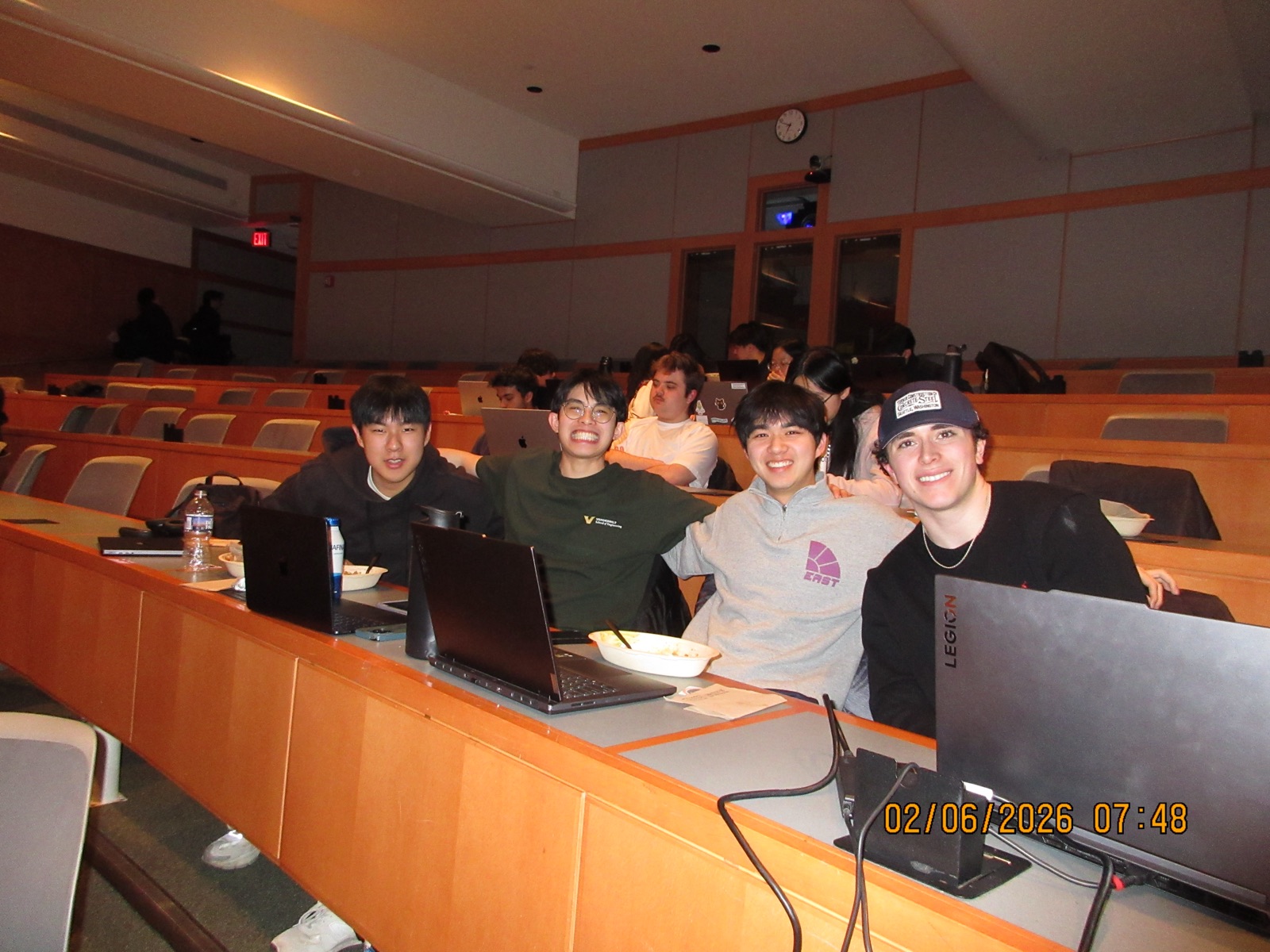
Where to Turn in Nashville Team 25-26